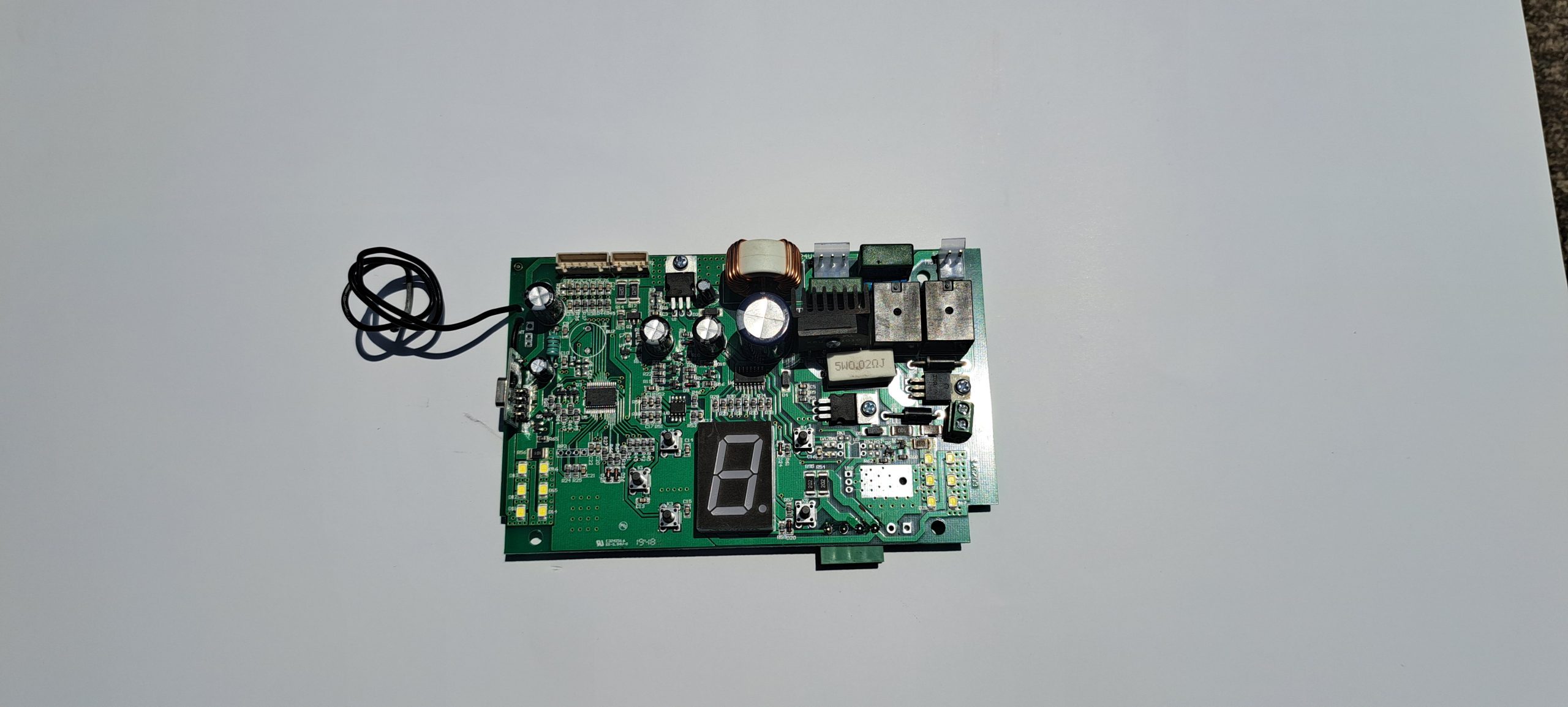
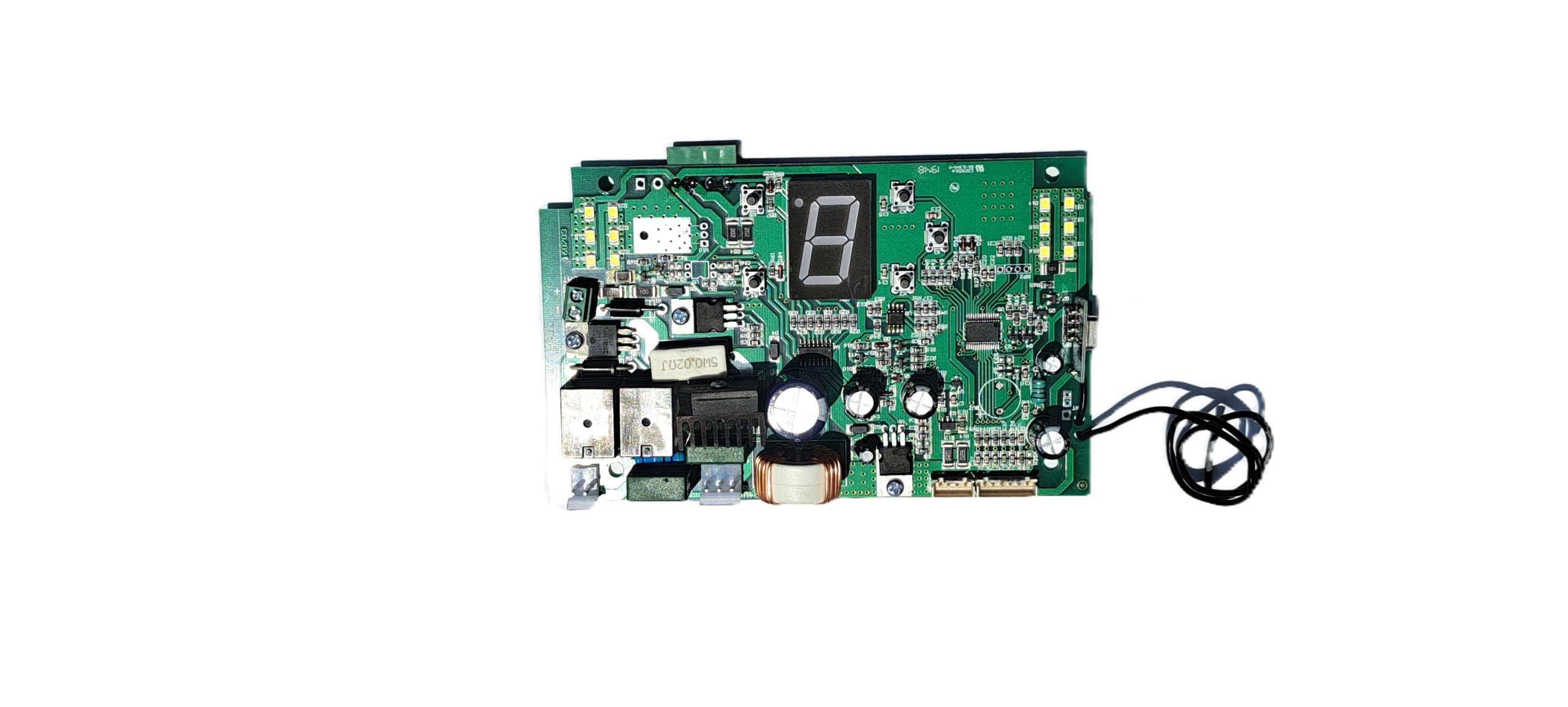
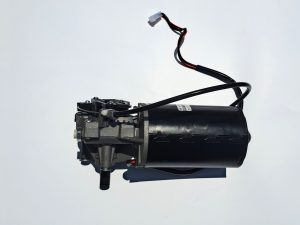
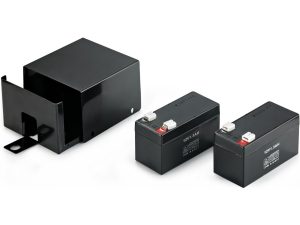
This is the main brain of the entire DorRoller 45 system — and unlike many of the other parts, it’s a complex, multi-function electronic controller, not just a simple board.
It controls:
- Motor operation
- Limits (via RPM system)
- Safety features
- Remote controls
- Accessories
From official specs:
- System uses 24V DC control voltage
Core functions
Motor control
- Sends power to motor (open/close direction)
- Controls:
Limit control (electronic)
- Works with RPM limit assembly
- Stores:
- Open position
- Close position
- Stops motor at correct points
Safety management
- Obstacle detection (force/RPM based)
- Auto-reverse if obstruction detected
- Safety cut-out logic
From system features:
- “Obstacle sensing feature”
Input processing
Handles signals from:
- Push button
- Remote receiver (433 MHz rolling code)
- Safety devices (photocells, etc.)
Output control
Controls:
- Motor relays / drivers
- Courtesy LED light
- External accessories
Power regulation
- Receives low voltage from transformer
- Regulates:
- Logic voltage
- Sensor supply
Electrical specifications
Based on DorRoller 45 system:
- Input (from PSU): 24V DC
- Mains supply (system level): 230V AC
- Radio frequency: 433 MHz rolling code
The PCB sits between:
- High-voltage input (via PSU/transformer)
- Low-voltage control system
Key components on the PCB
A typical DorRoller control board includes:
Microcontroller (CPU)
- Executes all logic
- Stores programmed limits
Motor driver section
- Relays or transistor drivers
- Controls direction and power
Power supply section
- Voltage regulators
- Filtering capacitors
Receiver module (often onboard)
- 433 MHz radio receiver
- Handles remote signals
Input terminals
- Push button
- Safety devices
- Limit/RPM sensor
Output terminals
How it controls the door
Everything loops through the PCB.
Smart features controlled by the PCB
From DorRoller 45 features:
- Soft start / soft stop
- Accurate electronic limits
- Obstacle sensing
- Auto-close (if enabled)
- LED courtesy lighting
All of these are purely PCB-controlled functions.
Common PCB failure symptoms
Total failure
- No LEDs
- No response at all
Could be:
- PCB dead
- Or power supply issue
Partial failure
- Door moves but:
- Doesn’t stop correctly
- Reverses randomly
- Ignores remotes
Input/output faults
- Push button works but remote doesn’t
- Motor clicks but doesn’t run
Replacement reality
This is a model-specific board
- Not interchangeable with:
- Econo systems
- Other brands
Replacement options:
- Original Dortech PCB
- Exact compatible DorRoller board
Generic boards usually won’t work properly due to:
- RPM limit integration
- Software programming
(The Company reserves the right to amend product specifications and information without notice.)