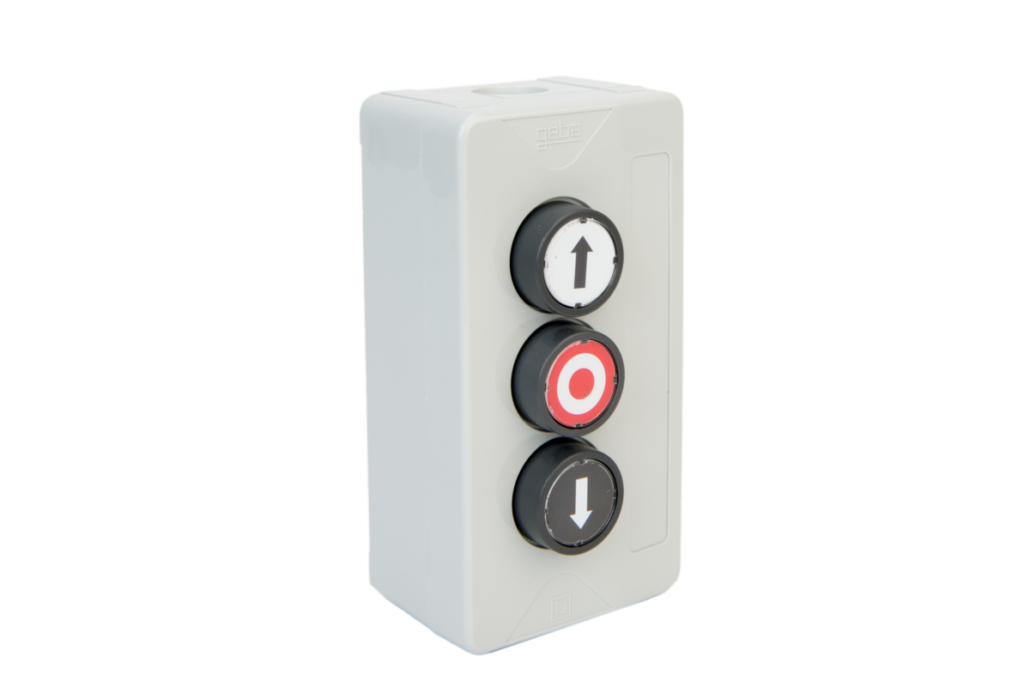
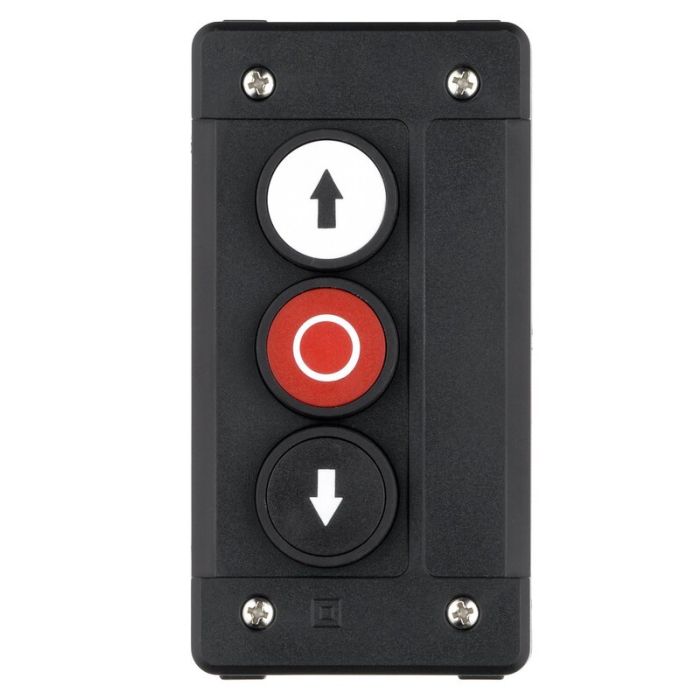
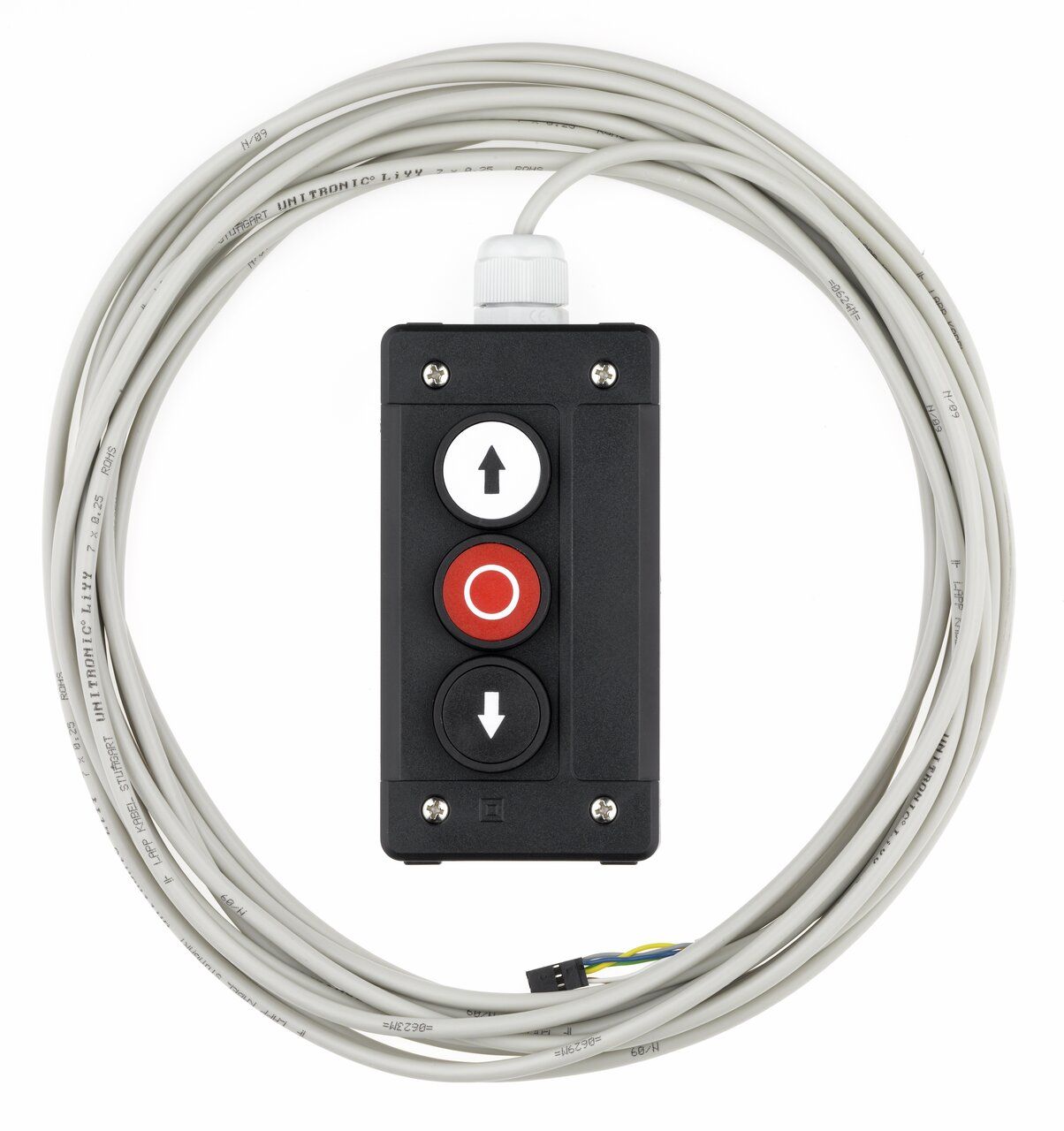
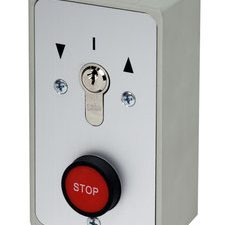
The Marantec KDT 3 Push Button Station is:
A manual control device used to operate industrial doors or gates, providing direct commands to open, stop, or close the door system.
It is one of the primary human interface devices in a door system.
Core Function
The KDT3 provides 3 control inputs:
- OPEN (Up)
- STOP
- CLOSE (Down)
These signals are sent directly to the door control unit (e.g. CS300 / CS320)
How it works
- User presses a button:
- OPEN → door moves up
- STOP → door halts immediately
- CLOSE → door moves down
- The push button sends a momentary electrical signal to the controller
- The control panel processes the command and drives the motor
It acts as a low-voltage control interface, not a power device
Key Features
Three-button control system
- Dedicated buttons for:
- Clear, simple operation for industrial environments
Momentary contact operation
- Buttons are spring-return (momentary)
- Signal only active while pressed
Prevents unintended continuous operation
Universal compatibility
- Works with:
- Marantec control panels
- Third-party controllers
Uses standard dry contact inputs
Surface-mounted design
- Installed directly on:
- Easy retrofit or new installation
Industrial durability
- Designed for:
- Warehouses
- Factories
- Roller shutter systems
Technical Specifications
Electrical
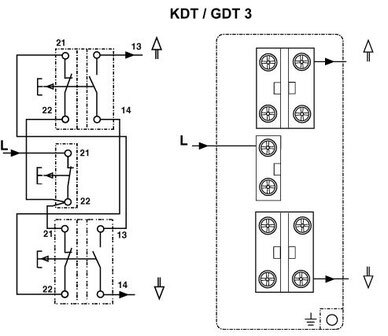
- Connection type: Conventional wiring
- Number of contacts: 3
- Contact type:
- Signal type: Potential-free (dry contact)
Functional
- Functions:
- Operation mode: Momentary push buttons
Mechanical
- Housing: Plastic enclosure
- Mounting: Surface mount
- Dimensions:
- Width: 72 mm
- Height: 139.5 mm
Environmental
Meaning:
- Dust-tight
- Protected against water jets
- Suitable for industrial environments
Wiring & Integration
Typical wiring (simplified)
- Uses low-voltage control wiring
- Interfaces with:
- CS300
- CS310
- CS320
- Other compatible controllers
Role in a Full Door System
The KDT3 works alongside:
- Photocells → prevent closing on obstruction
- Safety edge → stop on contact
- Safety catch → prevent سقوط (fall)
- DoorEdge controller → processes edge signals
The KDT3 is the manual command input layer
Simple explanation
The KDT3 is:
A 3-button wall station that lets a user manually open, stop, or close an industrial door.
Variants (important)
There are slightly different versions:
- Standard KDT3
- Open / Stop / Close
- All momentary
- KDT3-N
- Includes emergency stop mushroom button
- Mix of momentary + latching contacts
Key takeaway
- It does not provide safety by itself
- It is a control interface
- Safety still relies on:
- Photocells
- Safety edges
- Controllers
(The Company reserves the right to amend product specifications and information without notice.)