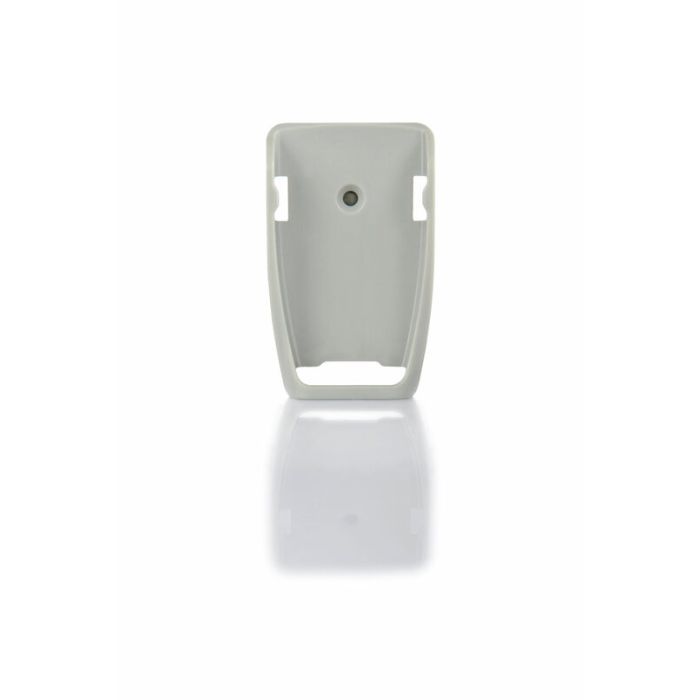
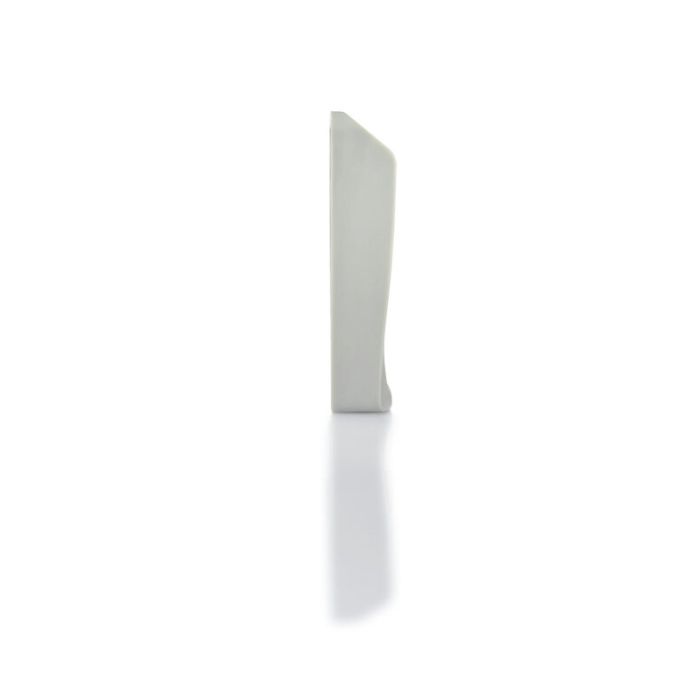
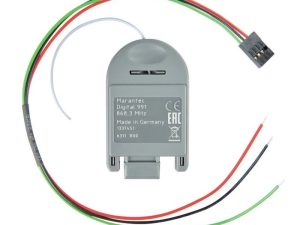
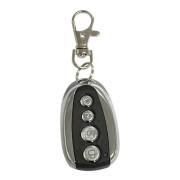
The Marantec Multi-Bit remote wall bracket is a mounting accessory designed to securely hold a handheld transmitter (remote) on a wall.
- Converts a portable remote → fixed wall control point
- Used in garages, workshops, or industrial door environments
- Typically supplied with:
- Screws
- Mounting base
- Clip/retention holder
Many Marantec remotes (e.g. Digital 302, 306, 318) are bundled with a wall bracket as standard
Functional Purpose
Primary Roles
- Storage → keeps remote accessible and prevents loss
- Fixed control point → acts like a wall button
- Quick access → near door entry points
Practical Use Cases
- Inside garage (next to entry door)
- Warehouse door stations
- Loading bays / industrial access points
In many installs, this replaces or supplements a wired wall push button
Construction & Design
Materials
- Injection-moulded ABS plastic (standard)
- Sometimes UV-stabilised for durability
Mechanical Design
- Snap-in / slide-in retention
- Friction fit (no electrical contacts)
- Open-face or clip-style cradle
Mounting Type
- Surface mount (screw-on wall installation)
Physical Specifications (Typical)
Since Marantec doesn’t publish a standalone datasheet for the bracket, specs are derived from bundled products:
- Dimensions: ~40–80 mm (varies by remote size)
- Weight: < 50 g
- Mounting holes: 2-point screw fixing
- Compatibility footprint:
- Mini remotes (Digital 302, 304)
- Maxi remotes (Digital 306, 318)
Designed to match specific remote housing shapes
Compatibility
Multi-Bit System Devices
Compatible with:
- Digital 211 / 212 / 214
- Digital 302 / 304 / 306
- Digital 311 / 313 / 317 / 318
- Digital 382 / 384 / 392
These all use the Marantec Multi‑Bit wireless system:
- 48-bit encryption
- Unidirectional communication
Electrical Characteristics
Important:
The wall bracket has NO electrical or electronic function
- No wiring
- No power supply
- No signal processing
It is purely:
“A mechanical holder for a radio transmitter”
System Integration Context
Even though it’s passive, it plays a role in the system:
System Chain
Remote → RF signal → Receiver → Controller → Motor
The wall bracket:
- Holds the remote (transmitter) in a fixed location
- Makes wireless control behave like a wall station
Security Considerations
Because it holds a remote:
Risks
- Anyone can press it if accessible
- Fixed position = predictable access
Mitigation
- Install:
- Inside garage only
- At controlled access points
Unlike wired keypads, it has no authentication
Wall Bracket vs Wall Control Panel
| Feature |
Wall Bracket |
Wireless Wall Remote |
Wired Wall Button |
| Power |
❌ |
Battery |
Wired |
| Security |
Low |
Medium |
High |
| Installation |
Very easy |
Easy |
Moderate |
| Function |
Holds remote |
Sends RF signal |
Direct control input |
A bracket is the simplest solution, but least secure.
Example Real-World Configurations
Residential Garage
- Remote clipped near door
- Acts as indoor control
Industrial Door
- Mounted near operator station
- Used by staff instead of carrying remotes
Retrofit Install
- No wiring available → use remote + bracket
Engineering Insight
A lot of installers underestimate this part, but:
The wall bracket effectively:
- Changes user interaction model
- Reduces remote loss/failure rates
- Simplifies system use in shared environments
(The Company reserves the right to amend product specifications and information without notice.)