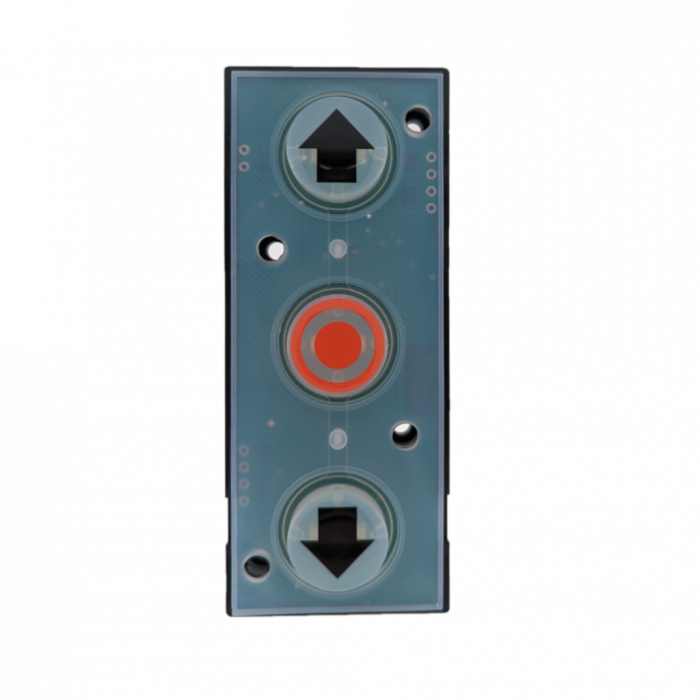
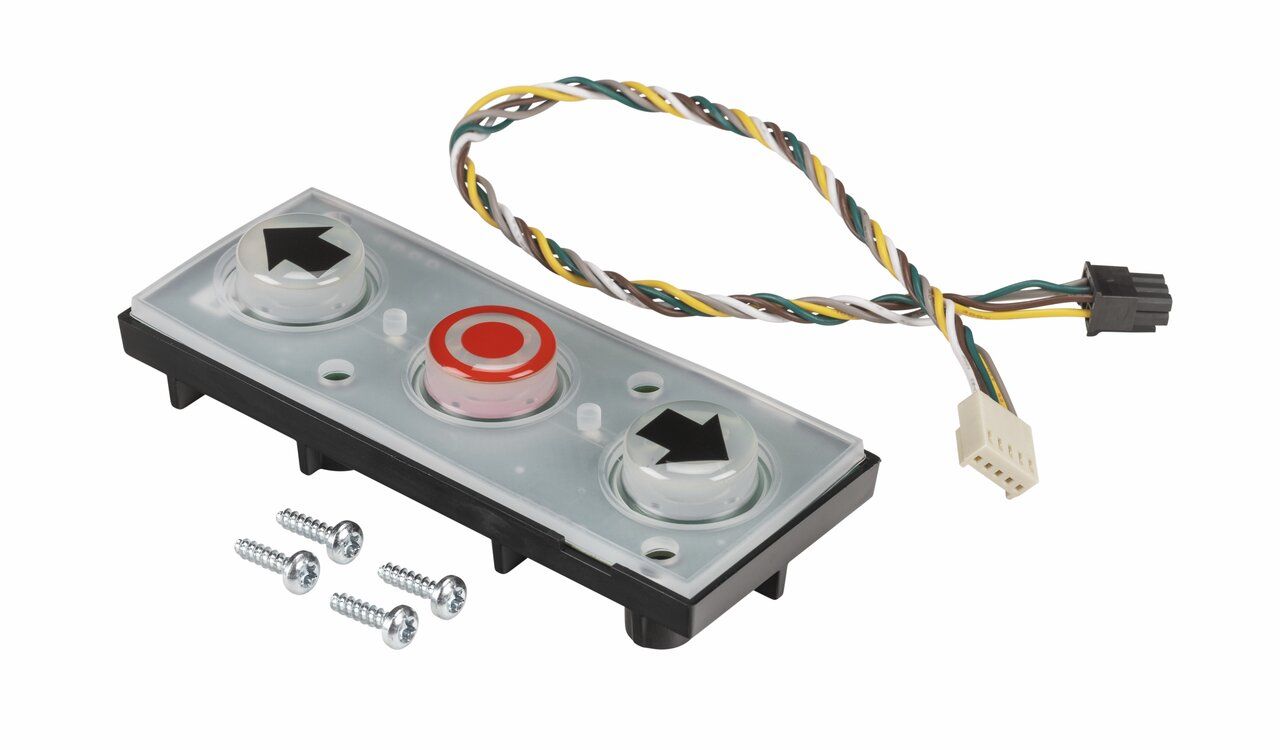
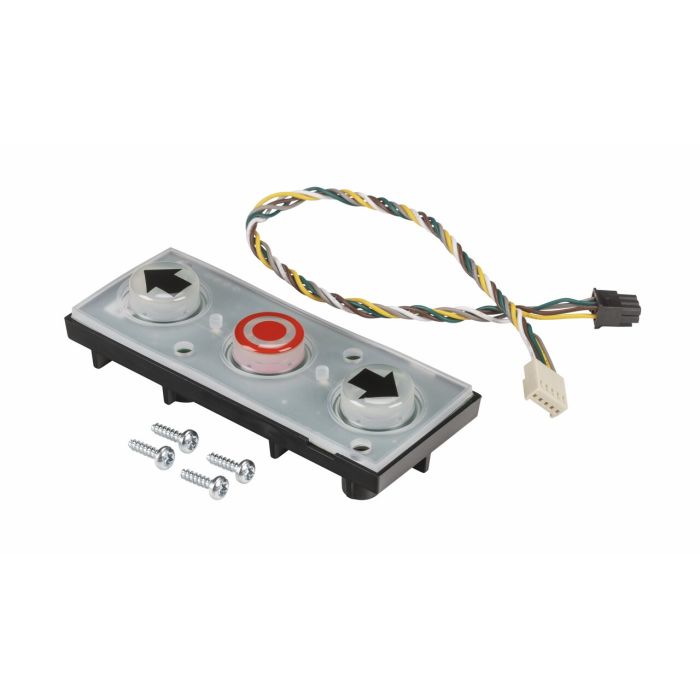
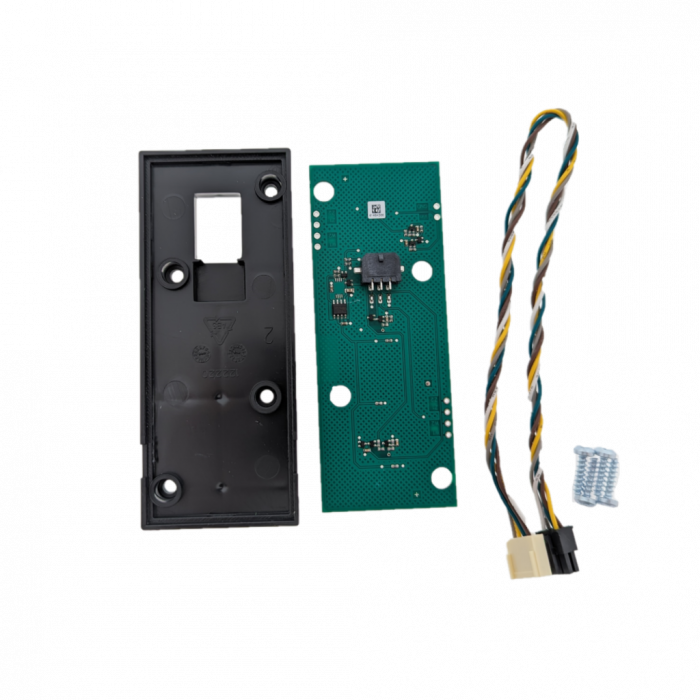
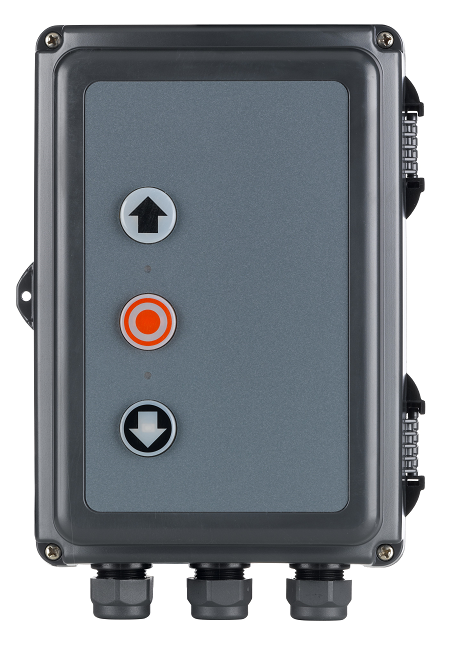
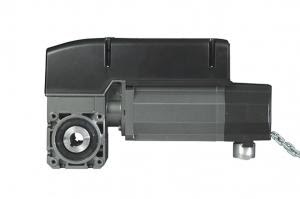
The Marantec Replacement Push Button Set is a genuine OEM spare part designed for industrial control enclosures including CS300, CS310, and CS320 controllers. It contains replacement push buttons, PCB, and wiring harness to restore panel operation when the original buttons are worn or damaged.
What the push button set includes
According to supplier and OEM-compatible listings:
- Push-button PCB (printed circuit board)
- Integrated tactile / industrial push switches
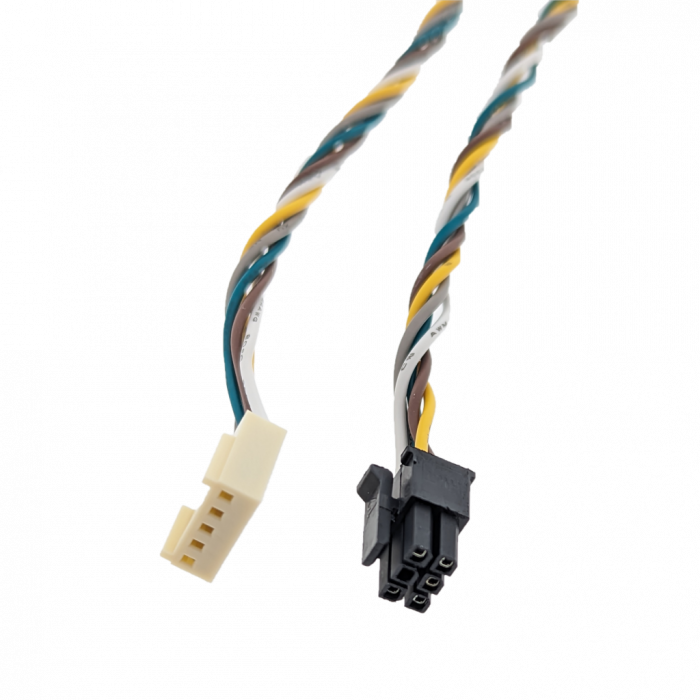
- Connection cable / wiring harness
- Pre-assembled unit ready for installation
Important:
This is not just loose buttons — it’s a complete electronic subassembly that plugs into the main CS control board.
Functional role in the CS control system
The push button set provides the primary local control interface for the door controller:
Core functions:
- Open (Up)
- Stop
- Close (Down)
These correspond to the 3-button control station integrated into the enclosure cover (standard on Kombi housings).
Operational behavior:
- Sends low-voltage control signals (typically 24V DC logic inputs) to the controller
- Enables:
- Dead-man operation
- Automatic/self-hold mode (after programming)
- Works in conjunction with:
- Safety circuits
- Limit settings
- Programmable logic
Note: On CS320 systems, the enclosure buttons only become active after limits are set/programmed.
Technical specifications
General
- Product type: Spare part / replacement module
- Function: Local control input interface
- Mounting location: Inside control panel front cover
Compatibility
- Marantec:
- MFZ equivalents:
- MFZ CS series (same hardware platform)
Electrical characteristics (typical)
(Not always explicitly published, but inferred from CS system architecture)
- Control voltage: 24 V DC (from controller)
- Signal type: Digital input (momentary contact)
- Connection type: Plug-in harness to main PCB
- Interface: Dedicated header on CS control board
Physical characteristics
- Form factor: Compact PCB assembly
- Integrated components:
- 3 push switches (industrial grade)
- Indicator circuitry (if illuminated version)
- Cable: Pre-attached ribbon or multi-core lead
Part numbers (known variants)
- SKU / Article: 140275
- OEM reference: TA0500413
Mechanical & enclosure integration
This module mounts behind the front membrane / button caps of the enclosure:
In Kombi / Maxi housing:
- Buttons align with:
- External plastic push caps
- Illuminated indicators (if fitted)
- Secured via:
- Clips or screws inside the enclosure lid
- Connects directly to:
- Main CS controller board via plug
Replacement scenarios (real-world)
This part is typically replaced when:
Common failures:
- Worn or unresponsive buttons
- Broken tactile switches
- Water ingress damage
- PCB corrosion
- Intermittent operation (ghost inputs)
Symptoms:
- Door won’t respond to enclosure buttons
- Only remote or external controls work
- Buttons require excessive force
- One direction (open/close) fails
Engineering notes (important)
1) It’s not a universal push button
- Must match CS-series PCB pinout
- Generic push buttons will NOT work directly
2) Compatibility advantage
- Same module works across CS300 → CS320 upgrades
- Useful when retrofitting older panels
3) Safety dependency
- Button input is overridden if:
- Safety circuit is open
- Limits not set
- Fault condition active
Installation overview
Typical replacement process:
- Isolate power (3-phase / single-phase supply)
- Open enclosure cover
- Disconnect push-button harness
- Remove old PCB assembly
- Install new module
- Reconnect harness
- Test inputs via controller diagnostics
Engineering summary
The Marantec Replacement Push Button Set is:
- A critical HMI (human-machine interface) component
- A plug-and-play PCB assembly, not just mechanical buttons
- Fully integrated into CS Kombi enclosure architecture
- Electrically simple but functionally essential for safe local control
(The Company reserves the right to amend product specifications and information without notice.)